
01 / 03
Print your own labels
Print labels for an item, a container or a place, or a sheet of blanks to assign later. Avery L7160 on A4 (21 to a sheet), Avery 5160 on US Letter (30), or plain paper.
- A damaged label can be removed, and its code stops working
- Scan a blank label to assign it
DetailsUnits
Stock · Total 8 pcsReceive
Shed
4Ute
2Site B
1Garage › Red tub
1Labels & tags
Printed — not yet labelled
RemoveSB-7K2M4QPrint Label✓ Mark as labelled
NFC tag: not assigned
Write NFC TagLocation
No pin yetPhotos+ Add
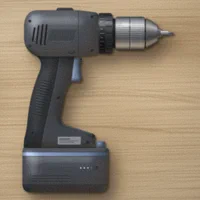 Display
 Make display
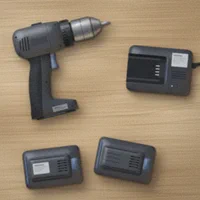 Make display
HomeLocationsItemsTo-DoMore
DetailsUnits
Stock · Total 8 pcsReceive
Shed
4Ute
2Site B
1Garage › Red tub
1Labels & tags
Printed — not yet labelled
RemoveSB-7K2M4QPrint Label✓ Mark as labelled
NFC tag: not assigned
Write NFC TagLocation
No pin yetPhotos+ Add
DisplayMake displayMake displayHomeLocationsItemsTo-DoMore
Paper Size
A4US Letter
Format
Avery adhesive sheet21 labels per page (3×7)
Plain paper, small grid21 labels per page (3×7)
Plain paper, medium grid6 labels per page (2×3)
Plain paper, large grid2 labels per page (1×2)
Single label per page1 label per page
Plain paper, medium grid · 6 labels per page (2×3)
Cordless drill, 18VSB-7K2M4QShedExtension lead, 20 mSB-C9RT3HUte · ToolboxGeneratorSB-4WXN8DShedFire extinguisherSB-P6JG2VSite BSafety glassesSB-M3ZK7BGarage · Red tubTape measure, 8 mSB-H8QY5EUte